
Create delivery note and packing slip PDFs that match every shipment
Docuplate lets you build reusable delivery note and packing slip PDF templates, map order and quantity fields, and download or automate shipment documents for every order.
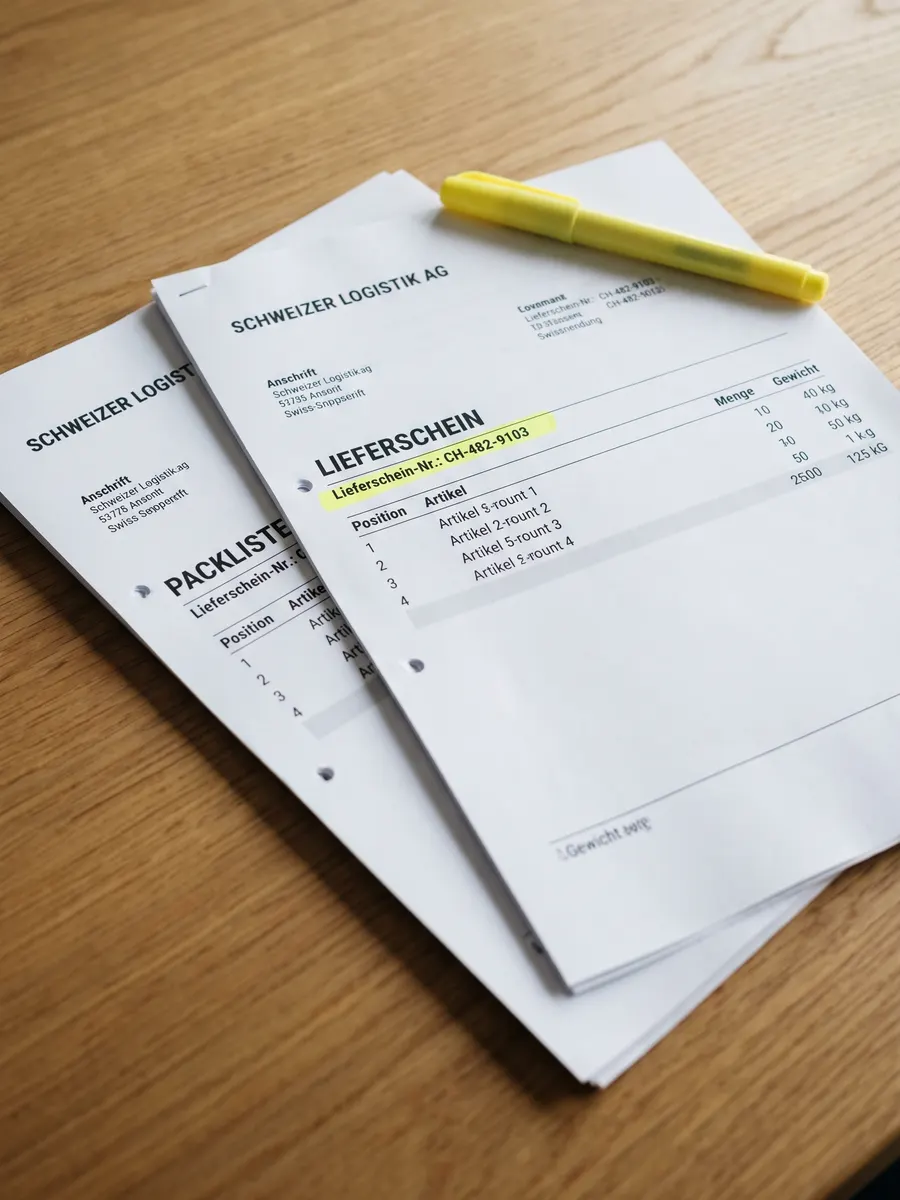
Record what shipped, quantities, and who received it. Build one delivery note template, fill order data per shipment, and download print-ready PDFs for drivers and customers.
Why teams use Docuplate
Clear line-item tables
SKU, description, quantity shipped, and back-order rows stay aligned as structured blocks, not fragile table cells.
Proof-of-delivery fields
Add recipient name, delivery date, signature area, and order reference on every shipment document.
Warehouse-ready layouts
Print-friendly PDFs for pick lists, driver copies, and customer packing slips from the same template.
Hook into order systems
Generate a delivery note PDF automatically when your store or WMS sends shipment JSON to a webhook.
How it works
Open a delivery note starter
Use an included template or upload the packing slip PDF your warehouse already prints.
Bind shipment data
Map order number, ship-to address, line items, quantities, and carrier details to template fields.
Print or automate
Download per order, batch overnight runs from CSV, or connect fulfillment webhooks for instant PDFs.
Common questions
Can one template cover packing slips and delivery notes?
Does this work with e-commerce order data?
Can I batch delivery notes for a day of shipments?
Is a delivery docket the same as a delivery note?
From the blog
- Delivery Note vs Packing Slip vs Packing List: Are They the Same?
A packing slip tells the warehouse what to put in the box. A delivery note is what the driver and the customer sign. Same shipment, two jobs, two PDFs.
Ready to try it?
Free plan includes starter templates and 5 PDF downloads per month.
19 templates. Free to start.
Sign up